How can I load a single module?
Skill level
- EasyTime to complete
- 15 minutes
Loading single modules in Unicorn 2 is not possible unfortunately.
What you could do, however, is loading the whole page layout, or instead, you could have only a single section loaded. However, there is no way to add only a specific module to the page.
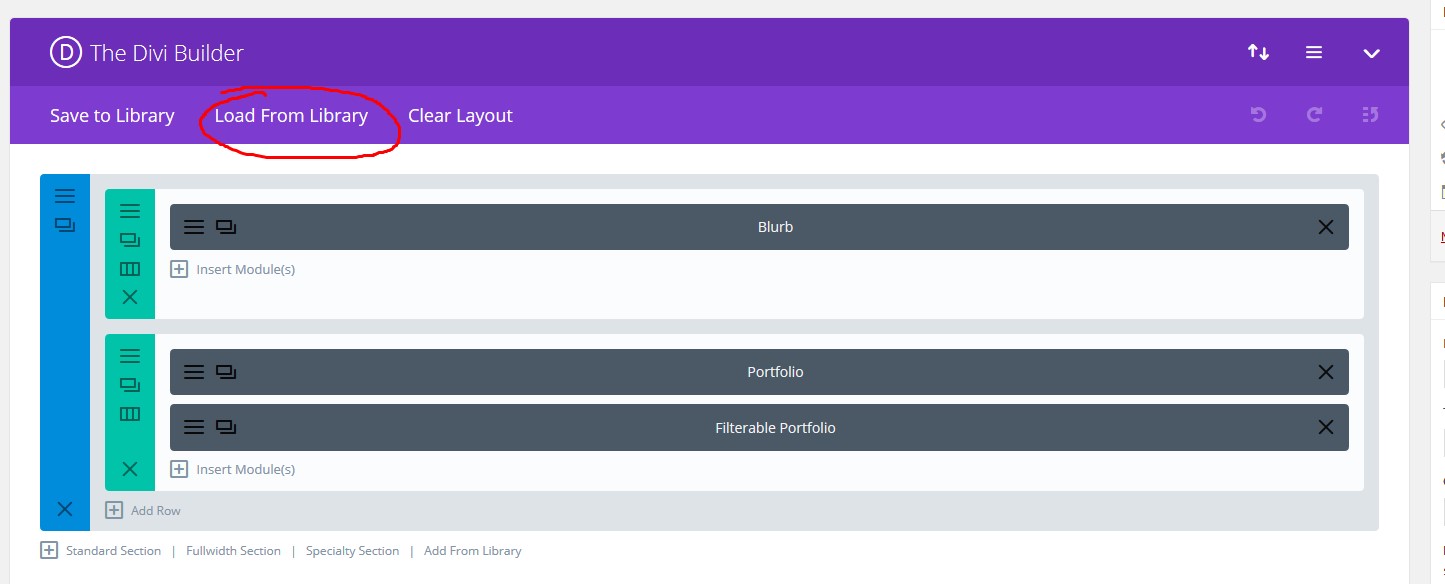
Loading a page layout and a single section is very similar, but it is slightly different.Loading a whole page layout When adding a page layout, there is an obvious "Load From Library" button in the builder header. See the screenshot:
 Now you have to choose "Add From Library" tab:
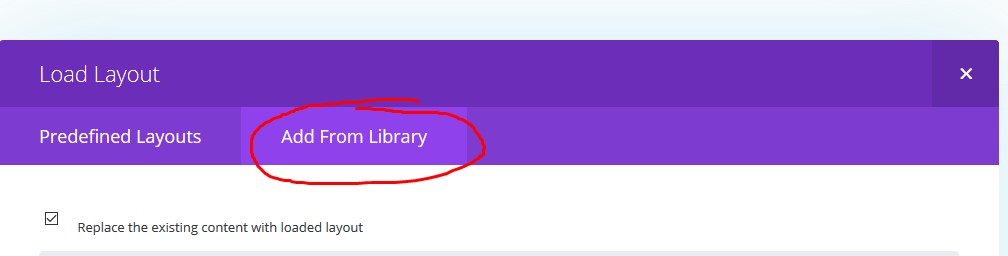 And that's it. Below, you will see your new layouts that you can choose and load into your existing page.Loading a single section
You would expect to find the section layouts in the same window as before, however, there is another option when you want to load a section layout.
And that's it. Below, you will see your new layouts that you can choose and load into your existing page.Loading a single section
You would expect to find the section layouts in the same window as before, however, there is another option when you want to load a section layout.
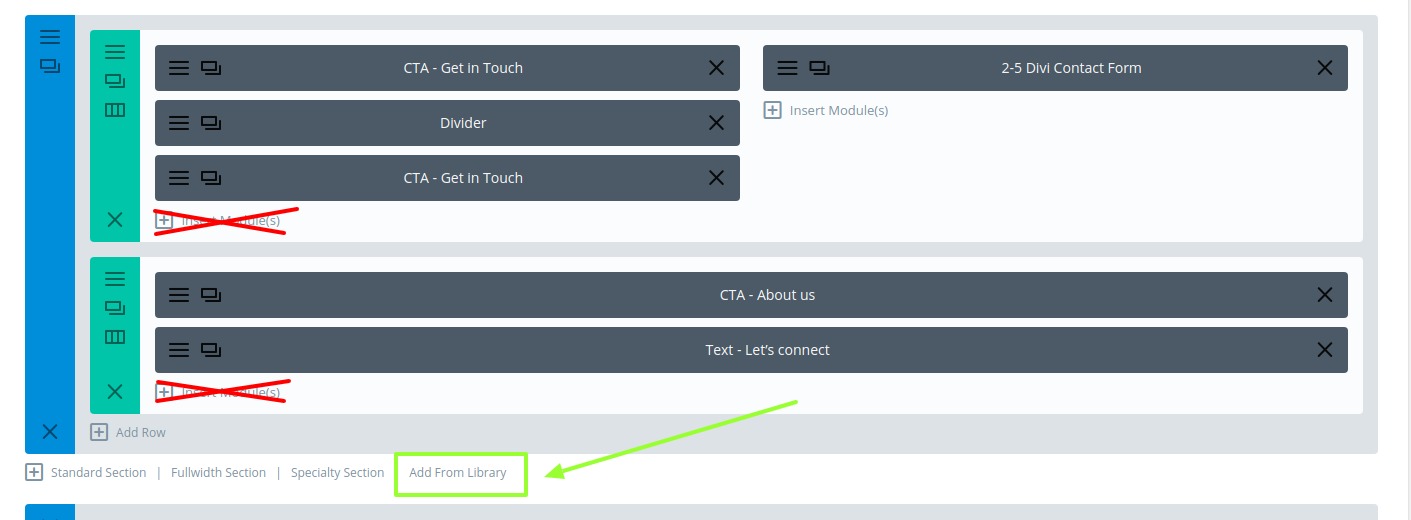
You should again click the "Add From Library", but the small one placed under each section, as in the screenshot: