Divi 4.0 Theme Builder: How to add a Divi Den Pro 404 Page Template
Who is this article for
- Anyone who owns Divi Den Pro and wants to use premade layouts with the Divi Theme Builder.
Skill level**: Easy**
Time to complete**: 2 minutes
Before you start
- Make sure that Divi theme and Divi Den Pro are both up to date.
Video Tutorial
How it's done
The first thing to do is to save a 404 page layout you would like to use,
Go to Divi Den Pro, selectLayout Finder** tab, and using the Filters, find the layout you need.
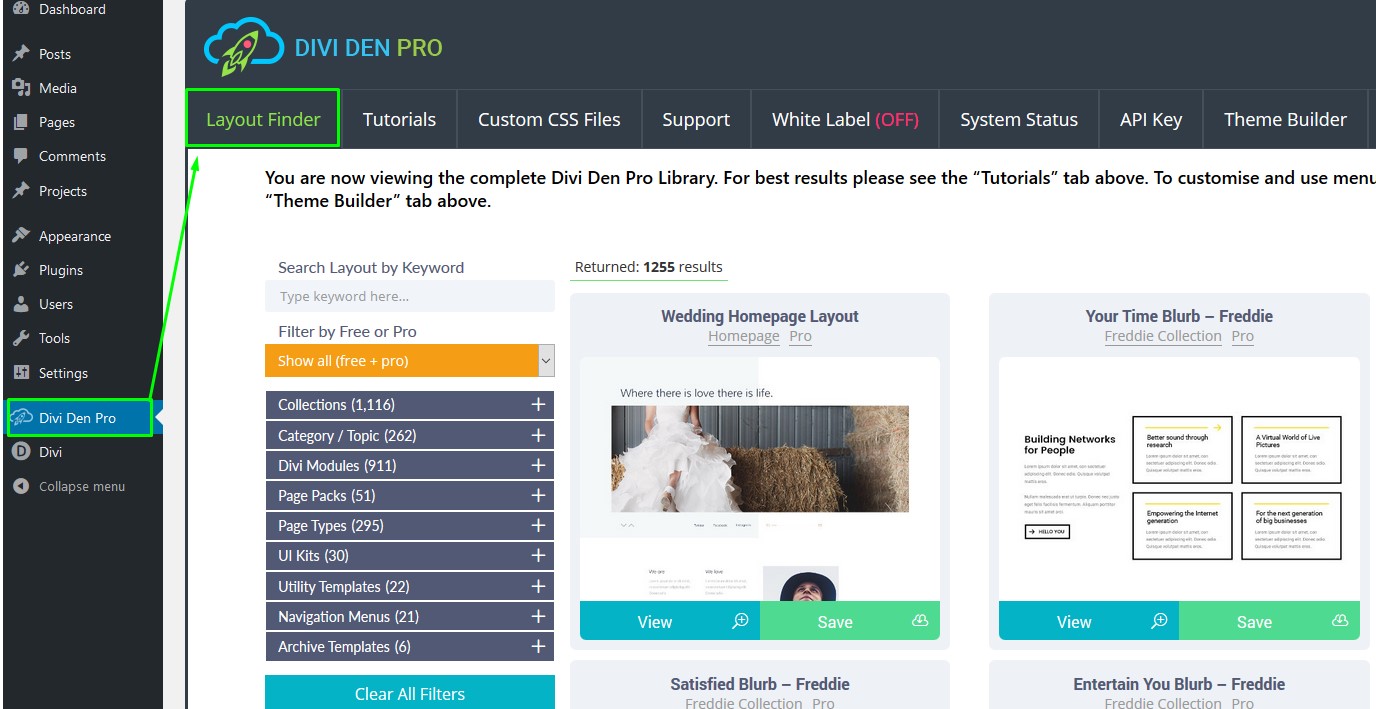
You can use the search box to quickly access 404 page layouts.
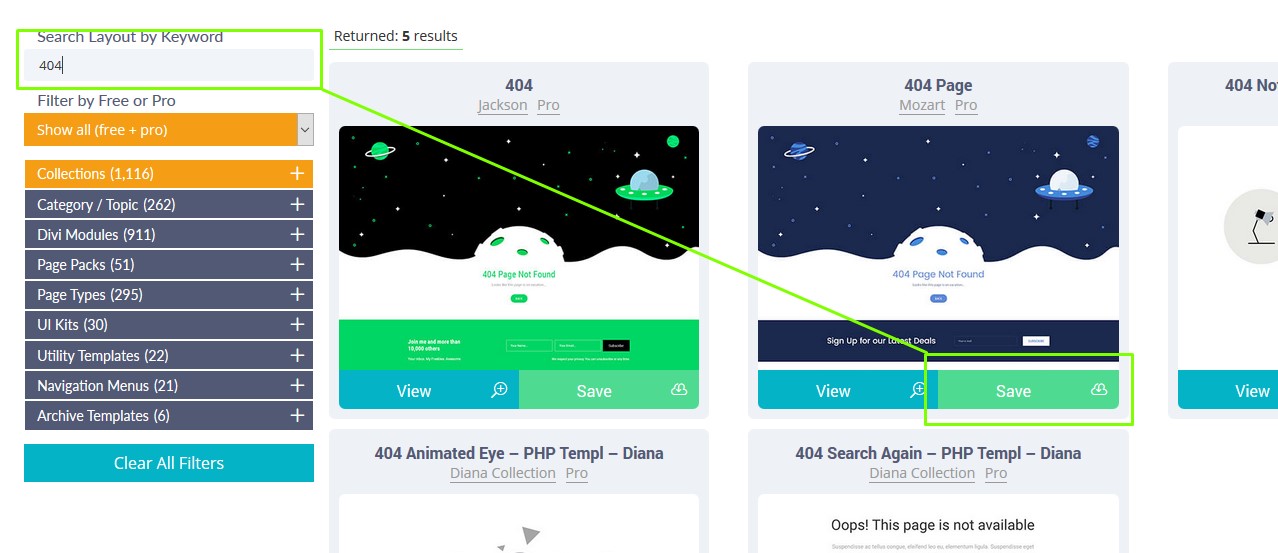
Once you've found the layout you like, hit the Savebutton to save it to the library:
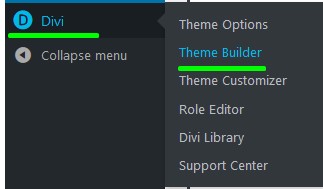
Next, go to Divi> Theme Builder:
Click Add New Template:

Select 404 Pageand click theCreate Template button:

Now click "Add Custom Body" for example, then Add from library:

Select Your saved layouts tab and click on the layout you saved previously.
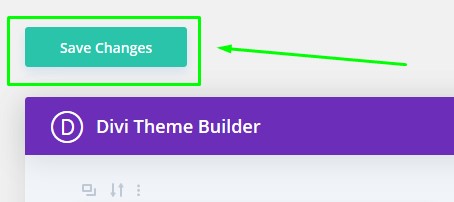
Finally, save your changes:
That's all!