How to add links in Freddie's Gallery modules
Who is this article for
- Anyone who owns Divi Den Pro and wants to know how to add custom links to Freddy gallery images.
Skill level:Easy
Time to complete: **1 minutes
Before you start
-
Please make sure you have the latest Divi Theme installed and Divi Den Pro is up to date.
-
Make sure that Divi Den Pro plugin API key is activated.
How it's done
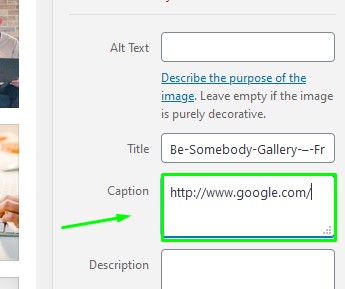
There is no a built-in option for this, so we had to cheat a bit! Custom links can be added inside images' caption boxes.
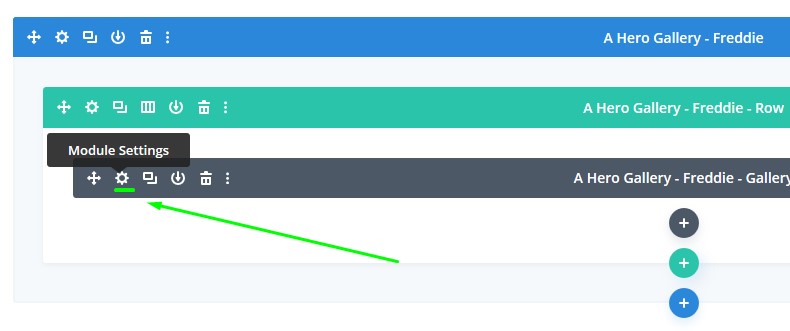
First go to Gallery module settings:
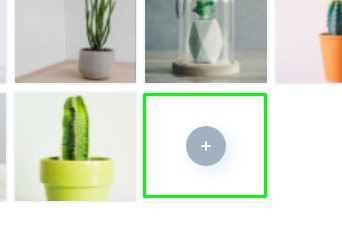
 Make sure that Images section is toggled, and then click the *plus *icon:
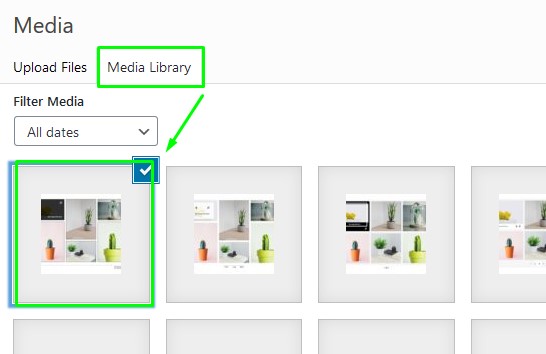
 Select the Media Library tab.
Choose an existing image, or add a new one by clicking on it.
 Use the caption box to add your custom URL:
 That's all!