How to set up a custom Login page
Who is this article for?
Anyone who owns Divi Den Pro and wants to know how to set up a custom log in page.
- Skill level: Easy• Time to complete:**5+ minutes
Video Tutorial
How to do it
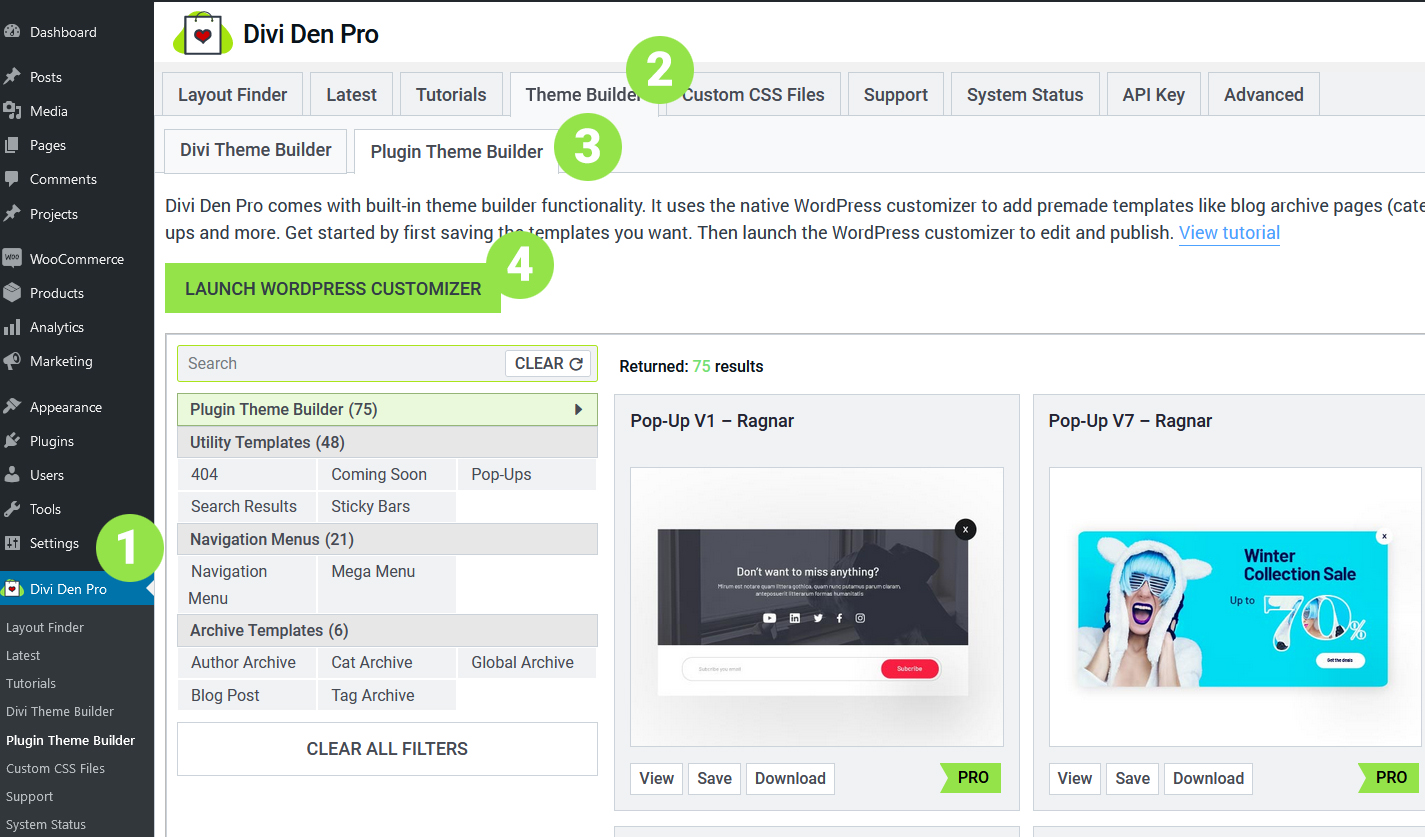
Go to Divi Den Pro dashboard and select the Theme Builder tab. Then select the Plugin Theme Builder tab and launch the customizer:
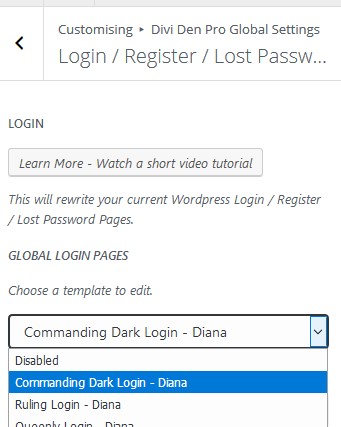
Toggle Divi Den Pro Global Settings, then toggle Login / Register / Lost Password.
From the dropdown menu, choose one of the templates we've created for you.
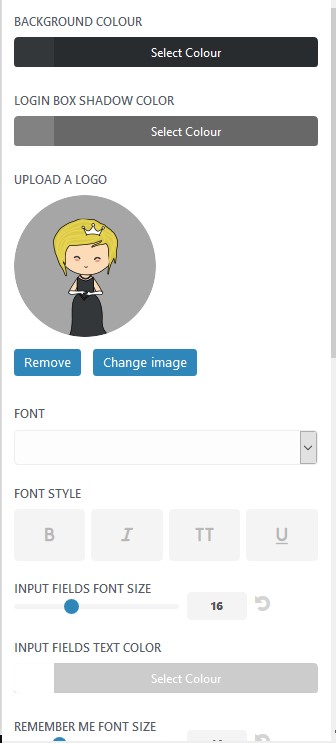
 To customize these layouts, use the options below: